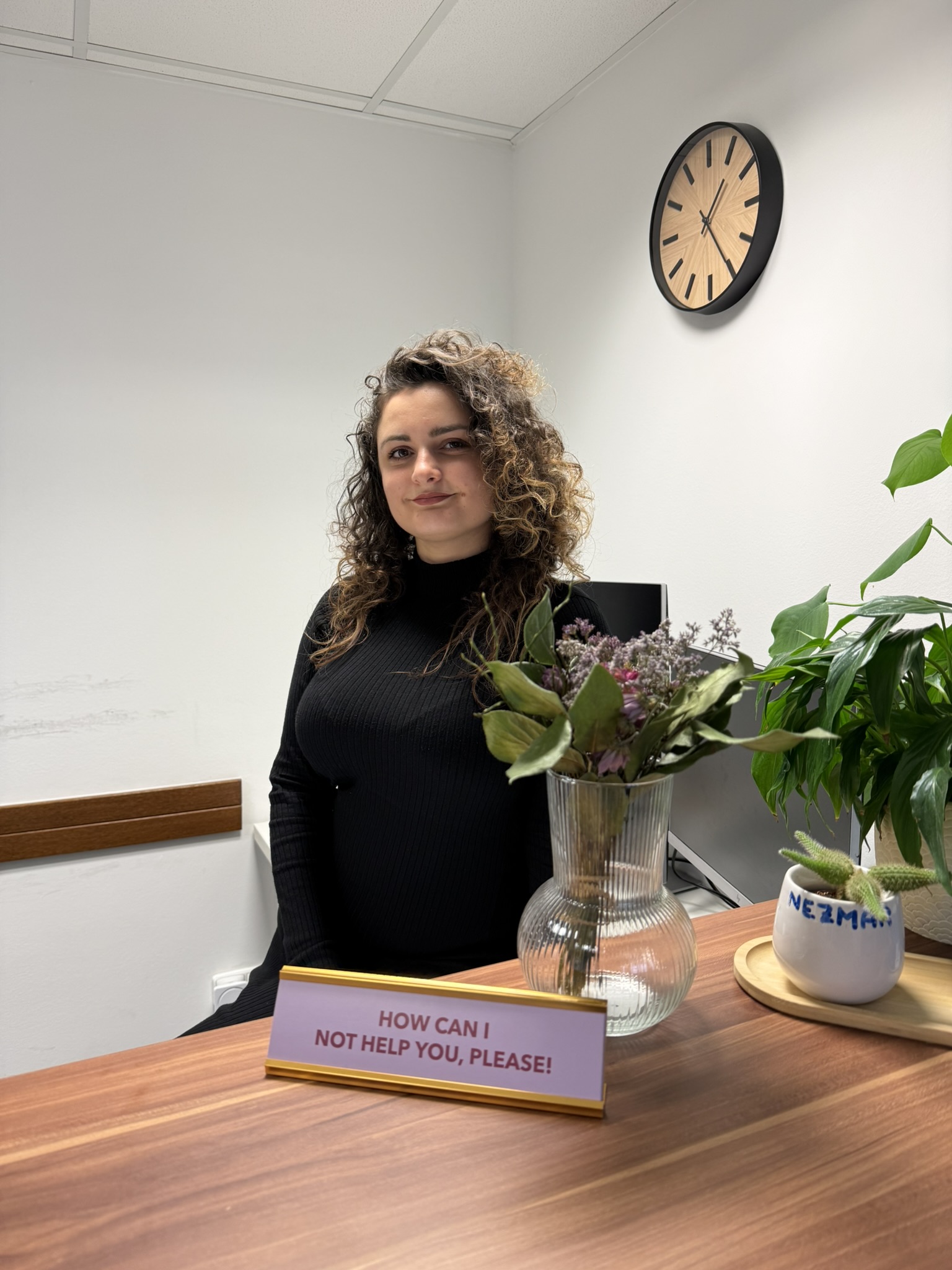



- Agáta Křečková
Cybersecurity is all around us, and anyone who says otherwise is talking nonsense. Thinking about security should therefore be a natural part of our rituals, not just the work-related ones. I personally have the (mis)fortune of being part of a company that advises clients on cybersecurity. Security is so deeply rooted in our DNA that you can see it at every turn here, not just on projects. Take my back office role, for example. You'd probably think that someone at the reception desk doesn't do anything that could pose a threat to the company in any way. But that's just not the case. Where all do you encounter cybersecurity in everyday operations, and how can you build simple security habits?
In bold you'll find my security habits, and in parentheses the specific security measuresyou'll find in the Cybersecurity Act.
The day begins: Doors, emails, and coffee
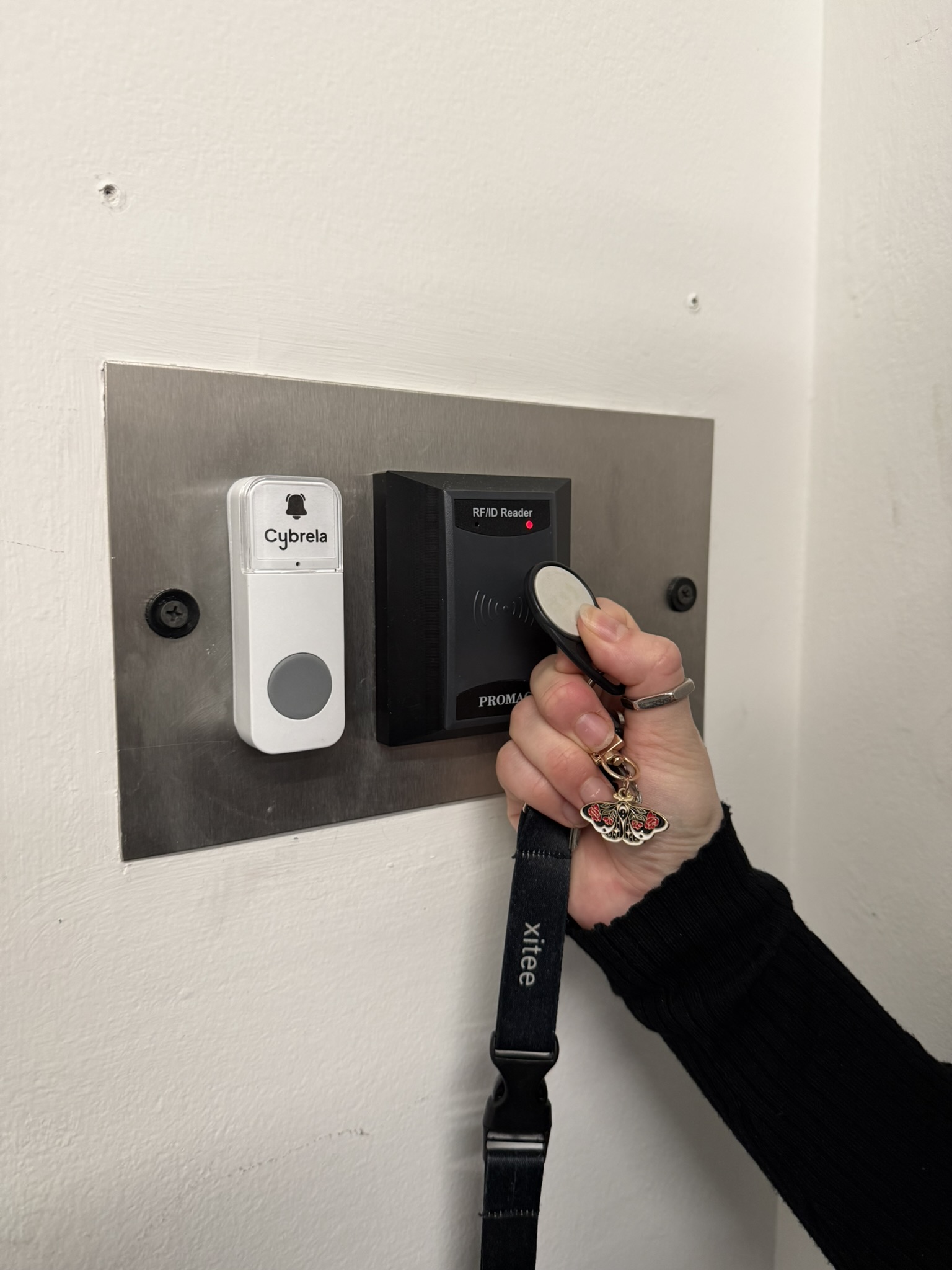
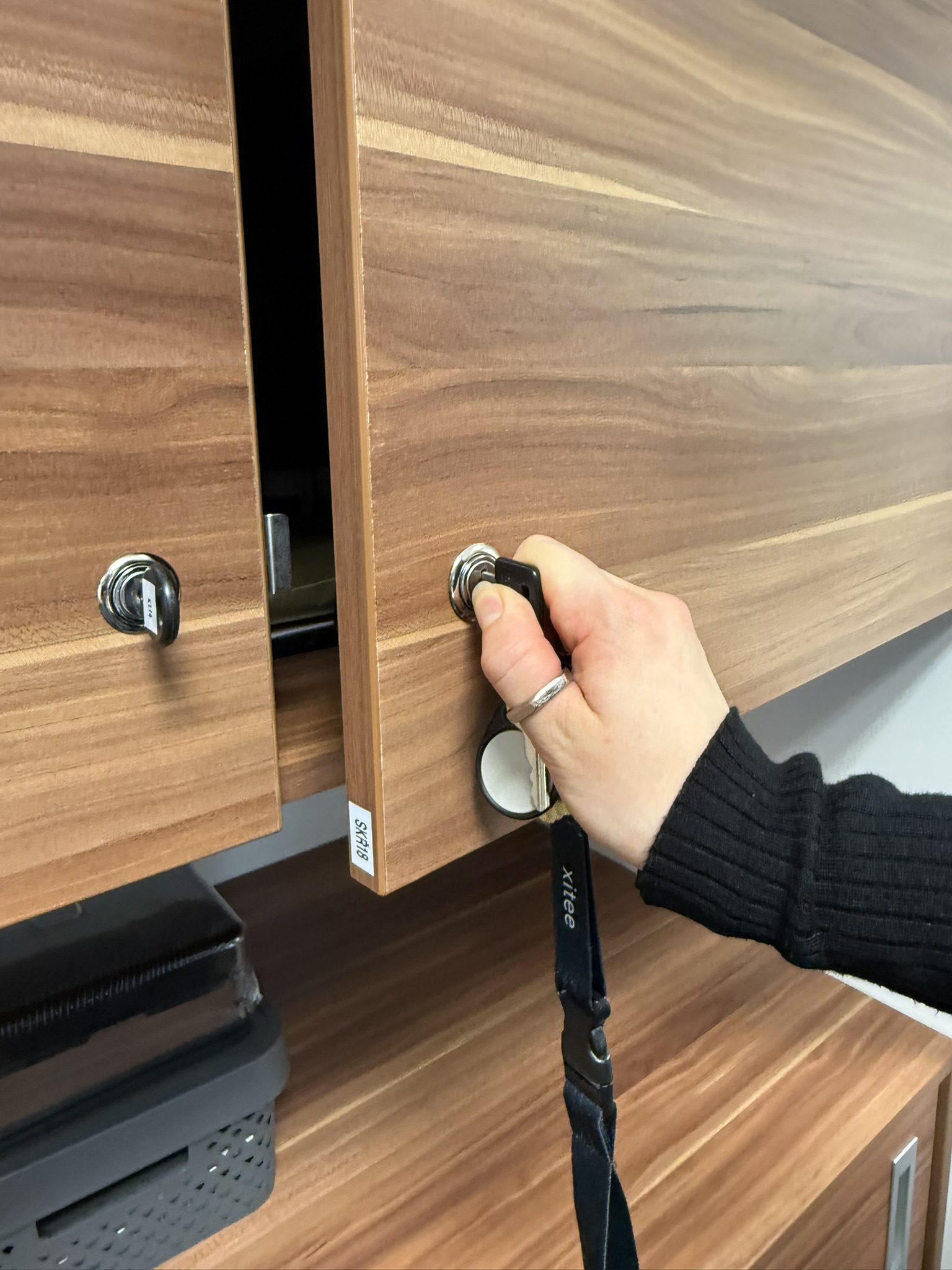
I enter the building, greet the doorkeeper, and use my access card (physical security) to get into our offices. I unlock the cabinet with my laptop, connect it to the docking station, turn it on, and go make myself some tea. While I'm at it, I check that there are cookies in the drawers, cola in the fridge, and coffee in the coffee machine. Having happy employees is, in its own way, also a kind of security measure.
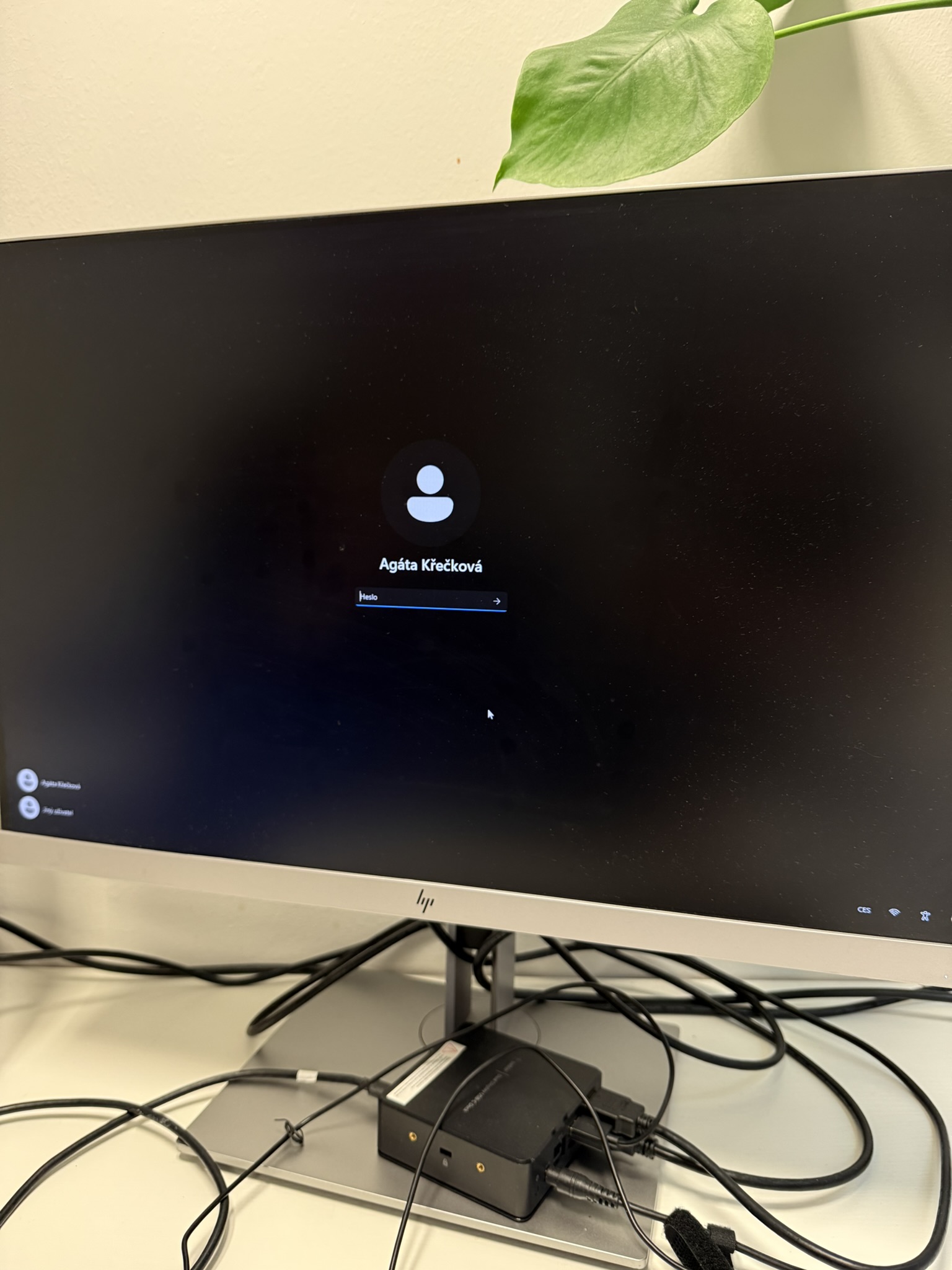
I enter my laptop password – a capital letter, twelve keystrokes, a special character, and a number (Identity management and verification). I also connect to the company wifi, not the guest one, but the wifi that has a VPN.
I open my email and read through the new messages. One of the emails has Meta as the sender and looks pretty urgent. It demands immediate action from me – apparently all I need to do is click on "this link" and everything will be sorted out, otherwise it'll block our company Facebook and stop all our ads. That is perhaps even suspiciously urgent. So I take a look at the address the email came from. And lo and behold, it has nothing to do with Meta. I immediately delete the email and report it as spam (human resources security, i.e. employee training). Fortunately, no more phishing emails are waiting for me today, so I forward the relevant messages and flag the ones I need to reply to later.
A quick dip into HR matters: Documents, access, and AI
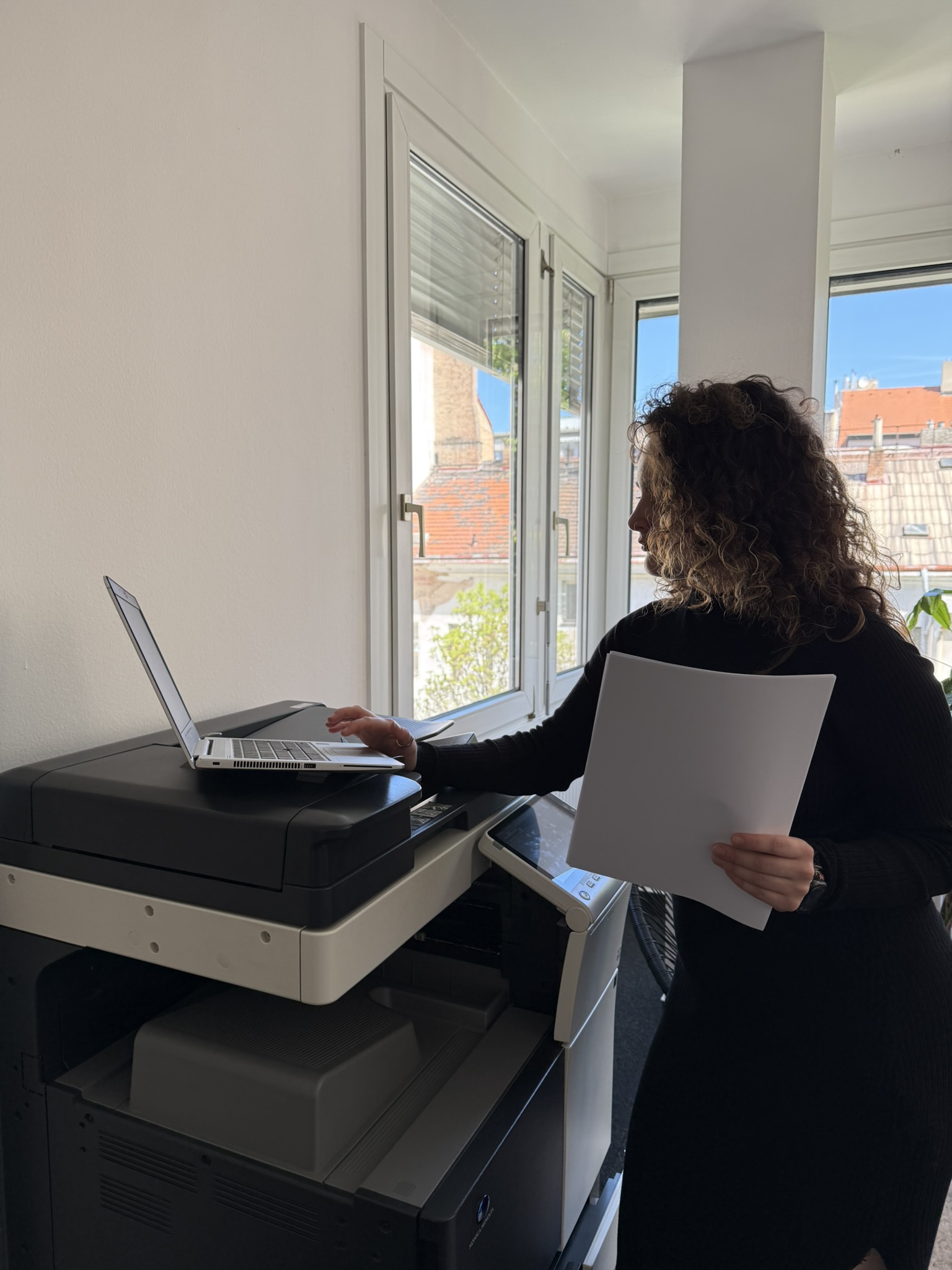
I print a document, and because I'm working with personal data, I take my laptop over to the printer and only print there. I tap my card on the printer so I only print what I myself sent to it (identity management and verification and access rights and permissions management). I don't leave important documents on the printer.
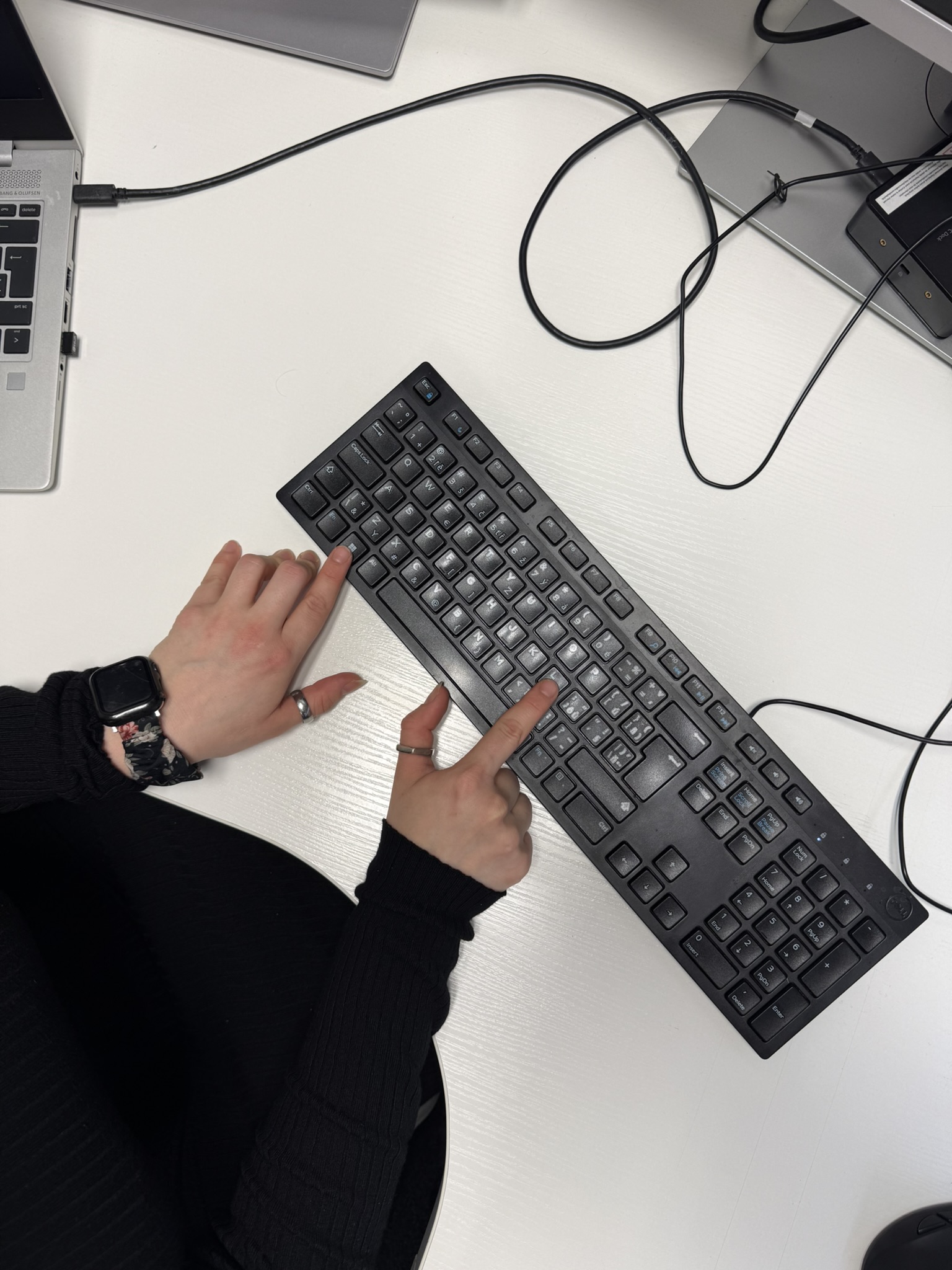
I return to the reception desk, unlock the cabinet with the employees' personnel files (physical security) and put the paper into the new colleague's folder. Speak of the devil… someone is waiting for me at the reception desk with a question. "Give me a moment, I'll go look into it right away," I reply, and lock the cabinet with the documents. Before I leave to help my colleague, I lock my laptop too – so I press Windows and L (physical security).
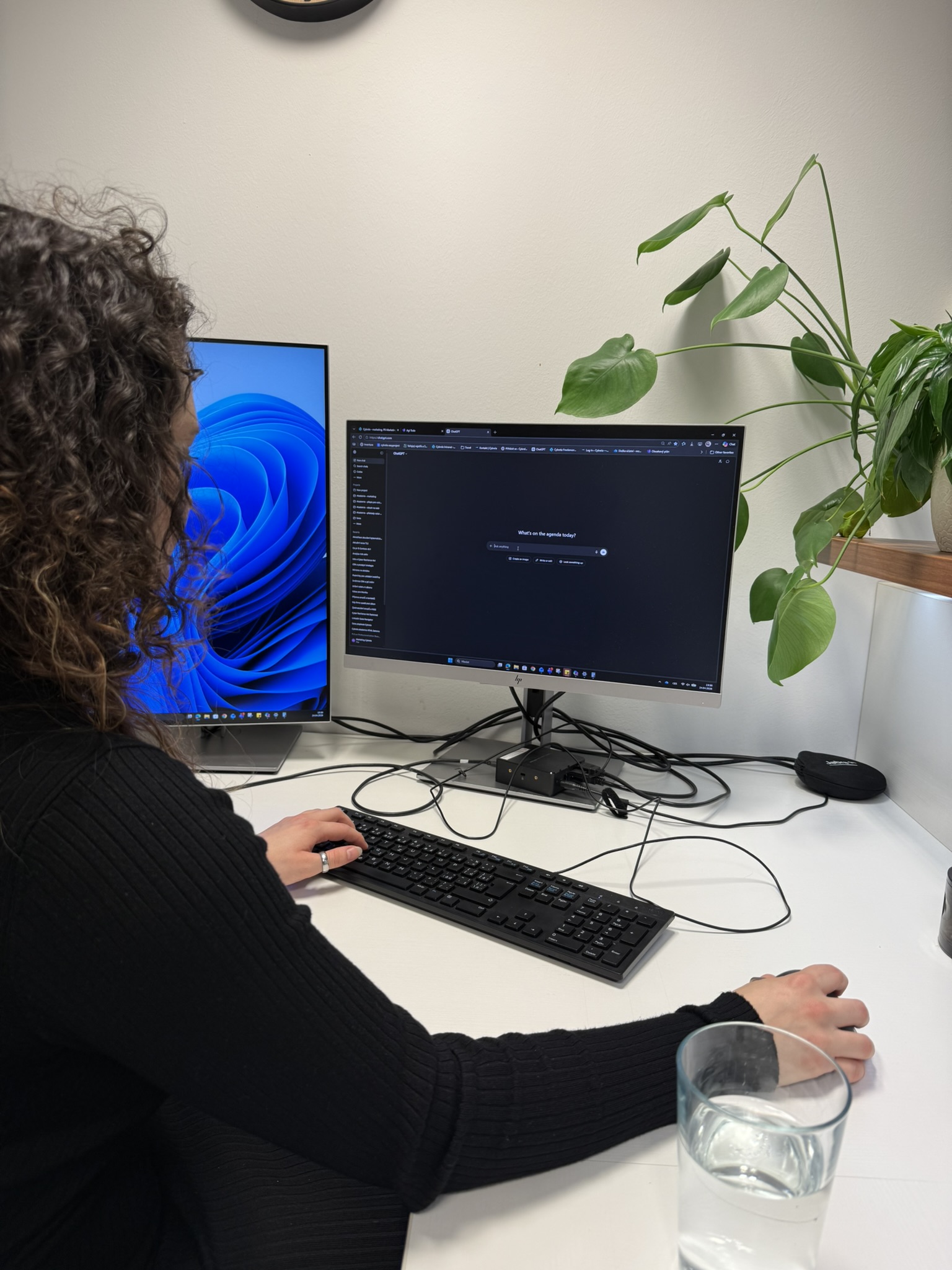
Problem solved, I return to my place and enter a capital letter, twelve keystrokes, a special character, and a number (Identity management and verification). Today is not my day, so I open ChatGPT to help me come up with replies to emails. I log in with multi-factor authentication – besides the password, I also enter a code from my email (Identity management and verification).
In the AI prompt, I don't write names or other sensitive data (management and human resources security). I always phrase things only in general terms. I know this, by the way, because I took an AI Act course from our Cybrela academy. I copy the answer over and then fill in the specific information. I tap away again for a while, replying, forwarding.
Are you using AI safely?
The day continues: Marketing and an almost-incident
It's time to go check on my work-wife in marketing and see if she needs help with anything. I lock my computer and run off (physical security). My work-wife had a good weekend – she'll tell me all about it over lunch. Meanwhile I can help her by doing some translations for the website. She sends them to me over the company Teams (encryption). So I'll be spending with AI a fair bit of time today.
I return to my workstation and, for what must be the hundredth time, enter the PC password = a capital letter, twelve keystrokes, a special character, and a number (Identity management and verification). I open the browser and the website admin panel. To get in, I enter another password, which I remember and don't write down on post-it note anywhere (identity management and verification and human resources security).
I translate and translate, and suddenly I hear a rustling outside the door. Automatically I hit Windows + L, unlock the door with my card (physical security), and look outside. A strange man is standing in the hallway, with a suitcase, and he looks like he can barely stand – he's literally swaying and reeking of it. He claims that he has a meeting with his friend and his mother, but he can't remember their names. I ask him who let him in but in the end I direct him to the offices one floor up. He thanks me and leaves. I wait a moment, close the door behind me, and take the elevator down to the lodge to tell the security about a possible incident (physical security).
I return to my place and happily continue translating. I carefully read everything after the AI and edit it if needed. After all, I'm the one responsible for the accuracy of the information obtained from AI (human resources security and risk management).
Physical security at every step (literally)
Today the translating is going along nicely, but suddenly – a doorbell. You already know the drill – Windows and L, card and door (physical security). Behind the door is a repairman. "Hello, yes, I know about you, an email came from the building management, the ventilation inspection, right Mr.? Yes, yes, come on in." Maybe I'm paranoid that someone might impersonate a repairman, but that doesn't mean it can't happen. So I verify that he really is the person who was supposed to come (physical security).
We soon discover that the ventilation to be inspected is in the office where a colleague is currently having a meeting with a client. "Unfortunately, I'm sorry, I can't let you into this office right now, because you'd have to sign a NDA, and I don't just have one lying about on my desk… I understand, it is really inconvenient. Can I offer you some coffee? No? They will be done in about two hours. Would you like to come again some other time? I see, well, goodbye."
It's getting close to noon, so I dash out to grab lunch for the boss – not having a hungry boss surely mitigates some risks too. Access card on the way out, access card on the way in (physical security), I also pick up my work-wife and we also have some lunch. We had a really nice chat. My lunch on the other hand wasn't that great, but that's the risk of using random unlabeled seasoning from the pantry, not a cybersecurity risk. So back to the machines – a capital letter, twelve keystrokes, a special character and a number (Identity management and verification).
At the end of the day: Money, surprises, and updates
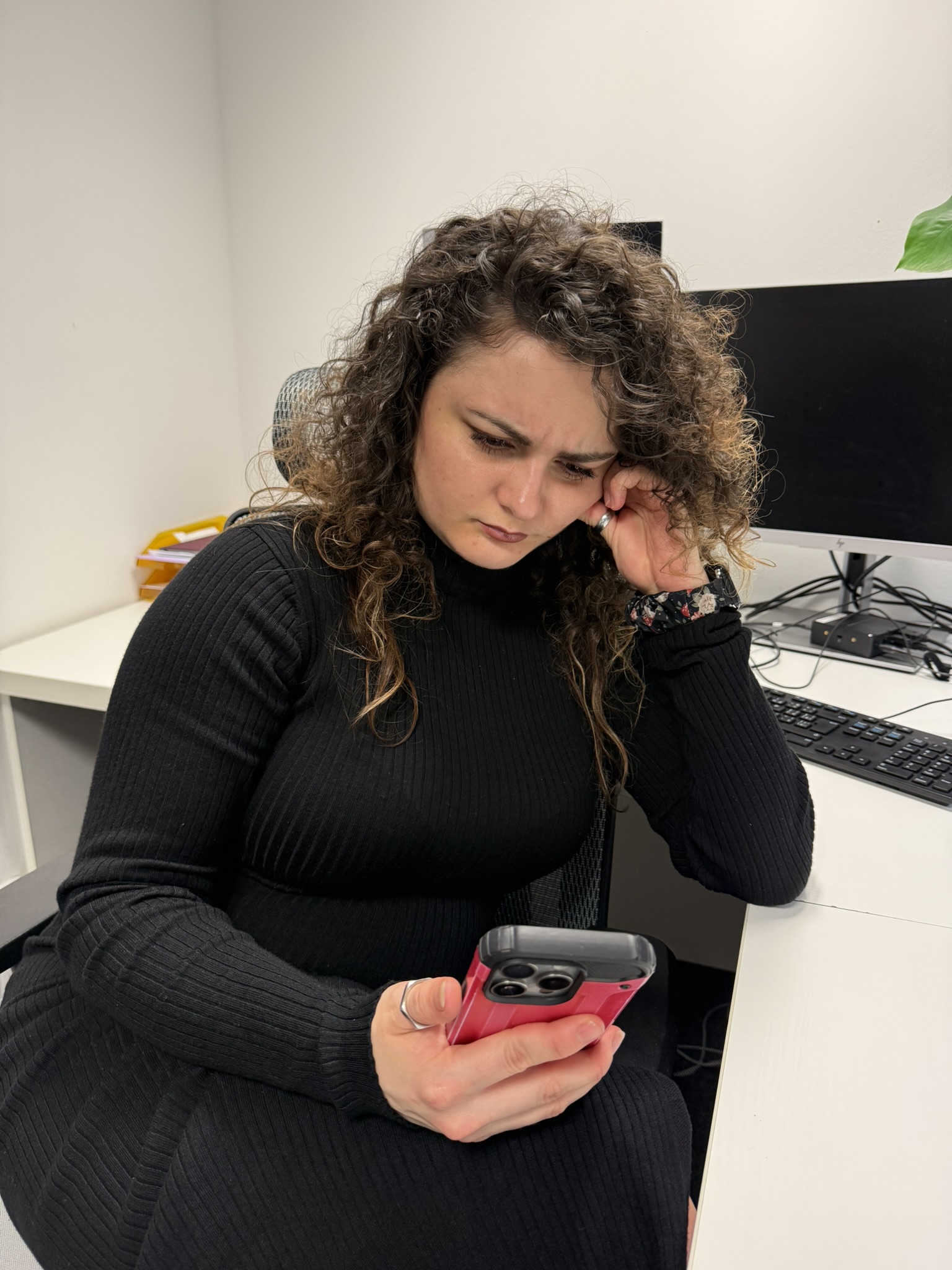
I happily tap away on the keyboard for a few more hours and am only interrupted by a message on my personal phone. Not on the work one, because I don't have personal accounts logged on it and I certainly don't deal with private matters through it (asset management). The WhatsApp message is from my mom. The first odd thing is that we don't message each other through WhatsApp, and even stranger is that she's asking me to send her some money. It's urgent, she needs to pay a speeding fine. That's perfectly alarming, because she always drives like a snail. I call my mom – and of course she didn't send anything – I delete the message, report it (human resources security).
Reported, averted, I should go and make myself some tea. I lock my laptop (physical security). Heat the water, put in the teabag, pour water in. Back to my seat and repeat – a capital letter, twelve keystrokes, a special character, and a number (Identity management and verification). My translations are done, now for ordering some supplies for the office. We're running low on coffee and chocolate. (That could really be a rather serious incident.)
I open the shops page and dig another password out of my memory. Just to be safe I pick three kinds of chocolate – milk, hazelnut, and white – and submit the order. At the payment gateway I enter my card details and we're redirected to two-factor authentication via my bank. I open my banking app, enter another password, and confirm (Identity management and verification).
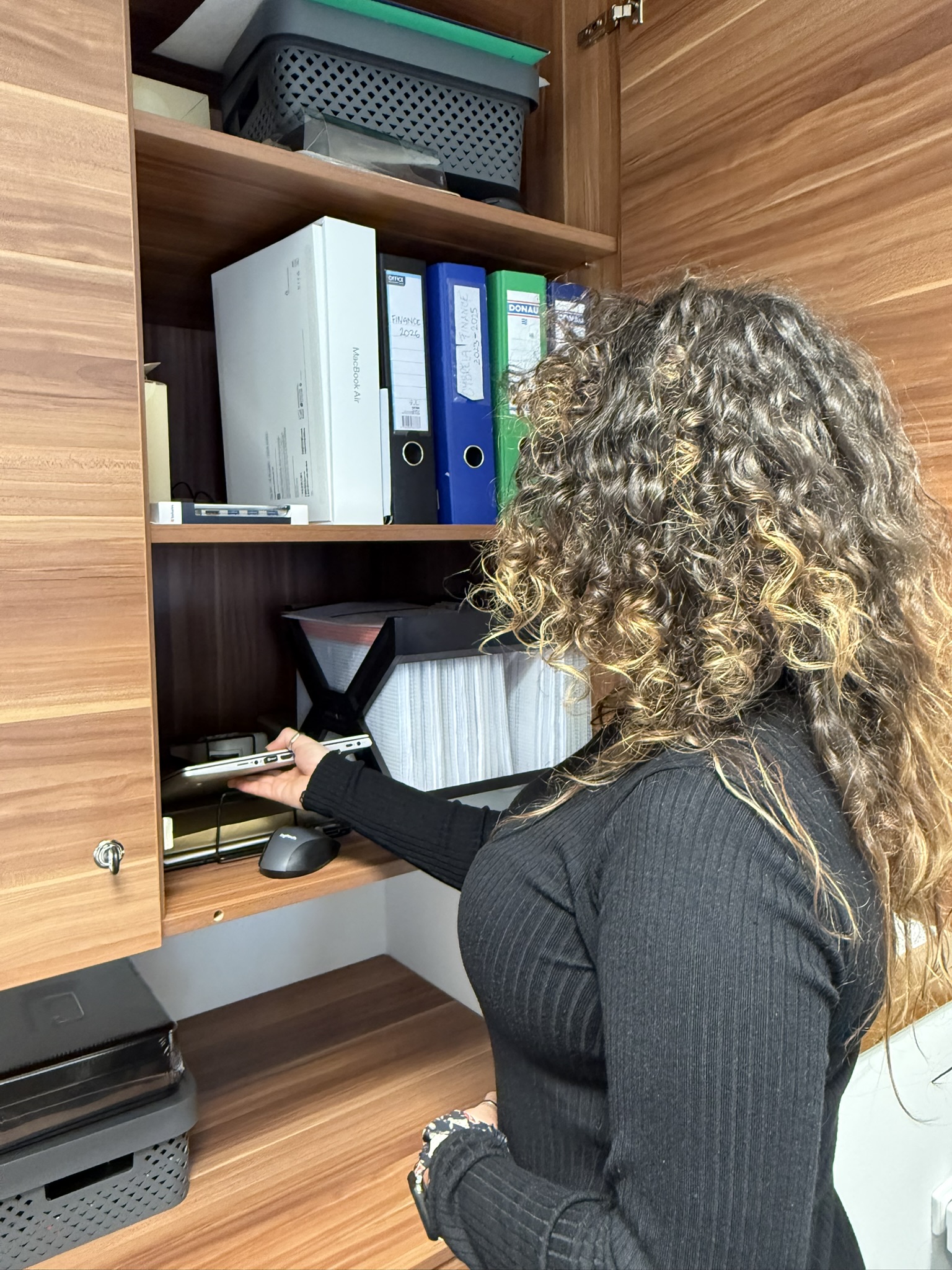
Wow, is it really that late already? Time sure does fly. I turn off my laptop, but it request an update, so I let the update run (acquisition, development and maintenance). It's important not to let updates rot, because they also protect us against new threats – it's not just about updating software. I take all my dirty mugs to the kitchen and wash the coffee machine, tidy up my desk (clean desk policy), and lock my laptop in the cabinet (physical security). I turn off all the lights, turn down the heating, put on my coat, access card in hand, open the door, tuck the card away , and… don't break my leg on the stairs while rushing to catch the tram.
Thanks for reading!
I hope this article has reassured you that you're not doing bad at all when it comes to corporate cybersecurity. My main goal was to show that we have to look at cybersecurity from every possible angle, not just from the perspective of the IT department but also from the side of "ordinary" employees like me. Cybersecurity is, as you can see, truly all around us, and so it's essential to weave those small (in)significant habits into our everyday lives – not because a decree or a law requires it, but because it makes sense for a better and safer environment.